Misspellings in Domains: 7 Costly Mistakes to Avoid
One wrong letter can send a customer to the wrong website. It happens every day, and the person who pays for it is usually the brand owner. Misspellings in domains confuse visitors, make a business look careless, and sometimes hand your traffic to a stranger. Hyphens and numbers cause similar trouble, though in quieter ways. Some of the web’s best-known names break the “rules” and do fine, so it is tempting to think anything goes. It doesn’t. Below, we walk through seven costly mistakes, explain why each one hurts, and show what to do instead. You don’t need technical skills to follow along, just a little patience and a willingness to say your web address out loud.
Why Your Web Address Deserves More Thought Than Your Logo
Choosing a business domain feels like a small task, but it shapes almost everything that follows. Your domain appears on business cards, invoices, social profiles, email addresses, and ads. People type it, say it on the phone, and hear it in podcasts. Unlike a logo, it is also a technical address: one wrong character and the browser goes somewhere else. Basic domain rules are simple, and you can read the background on how domain names work in a few minutes. The trouble starts when owners try to be clever, or grab whatever is still available. Here are the seven mistakes that cause the most damage, in the order we see them most often.
The 7 Costly Mistakes to Avoid
Mistake 1: Overusing Hyphens in Domain Names
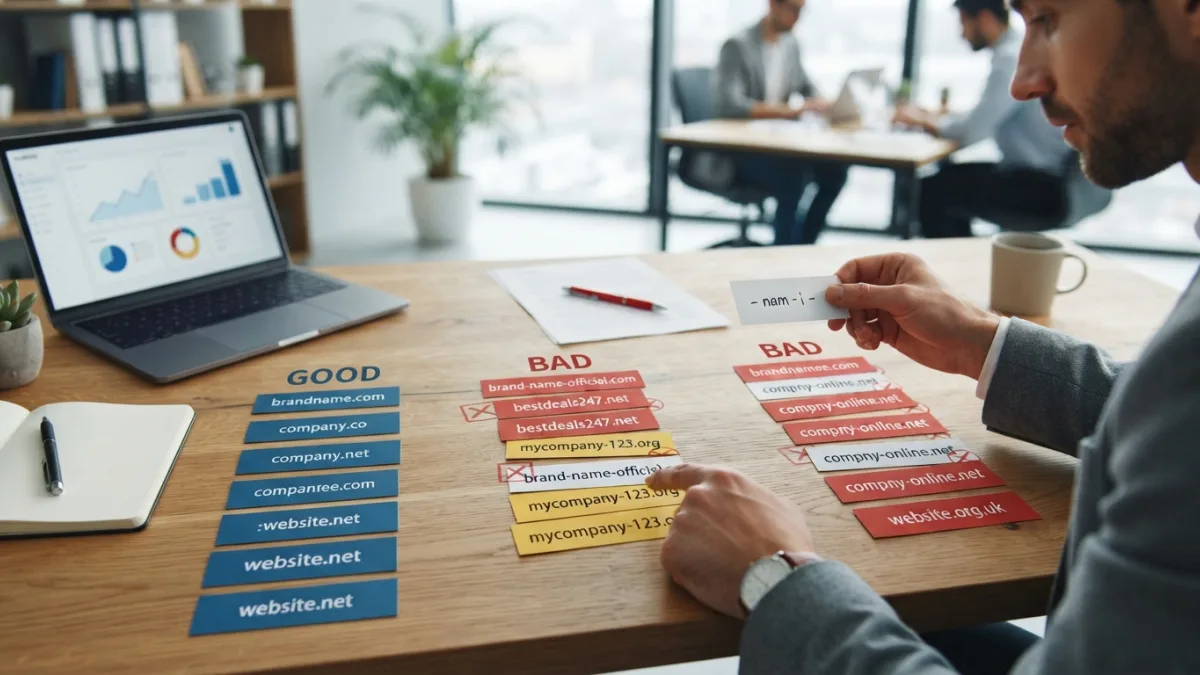
Hyphens in domain names usually appear because the plain version was already taken. So someone registers “best-local-plumber-near-me.com” and moves on. The problem is human, not technical. People forget hyphens when they type, and they are awkward to say aloud. Try telling a friend your address over the phone: “best, dash, local, dash, plumber.” Most listeners will give up or guess. Long hyphenated names also look like spam to many users, which hurts first impressions. A single hyphen to separate two clear words can be acceptable in rare cases. Three or four is a warning sign. If the clean version is taken, look for a different name rather than patching the old one with dashes.
Mistake 2: Leaning on Numbers in Domain Names
Numbers in domain names create a spelling puzzle every time someone hears your brand. Is it “4you” or “foryou”? “2go” or “togo”? Is it “5” or “five”? Each guess splits your audience, and some of those visitors end up on a competitor’s site or a dead page. Numbers do work when they are part of the real brand, such as a founding year, a street address, or a well-known product name. In those cases, register the spelled-out version too and point it to your main site. Avoid numbers that only replace letters, like “gr8” or “b4.” They look casual, they are hard to spell on a keyboard, and they make a serious company feel less serious.
Mistake 3: Using Misspellings in Domains to Look Clever
A few famous brands drop a vowel or swap a letter, and Flickr and Tumblr are well-known examples. Copying them is risky. Those companies usually had strong funding, heavy marketing, or a product people already wanted, so the odd spelling became part of the story. A small business rarely has that advantage. When visitors hear your name, they will type the normal spelling, and that address may belong to someone else. Even loyal customers make this mistake in emails and search boxes. If your name needs a spelling lesson every time you say it, you will pay for that lesson in lost visits. Pick a real word or a clean invented one that looks the way it sounds.
Mistake 4: Overlooking Typosquatting Risks
Typosquatting risks grow when your domain is easy to mistype. Typosquatting means registering addresses that look like a popular site but contain a small error, such as a missing letter or a swapped pair. Some squatters only want ad clicks. Others build fake pages to steal passwords or payment details, and your customers may blame you when it happens. A long, tricky, or oddly spelled domain gives these people more room to work. You can reduce the danger. Register the most obvious misspellings and the common extensions, redirect them to your real site, and remind customers to check the address before entering any personal data. Do this early, because it costs less than fixing a damaged reputation.
Mistake 5: Ignoring Domain Name SEO Impact
Many owners overestimate the domain name SEO impact, and some ignore it completely. Neither approach helps. A domain stuffed with keywords does not guarantee good rankings, and search engines can read hyphens and numbers without trouble. The real effect is indirect. Names that are awkward or spammy tend to earn fewer links, fewer brand searches, and fewer repeat visits, and those signals matter over time. Google’s own SEO starter guide puts the emphasis on helpful content and a good experience for users, not on clever address tricks. Think of your domain as the foundation. It will not rank the site by itself, but a clear, trusted name makes every other effort easier.
Mistake 6: Making Your Name Hard to Say Out Loud
Easy to remember domains win because people share them by voice as often as by link. Think about conversations at events, radio ads, video voiceovers, and quick chats with a friend. If the listener must ask “how do you spell that?”, you have already lost some of them. Run a simple test before you buy. Say the name to three people without showing it, then ask them to write it down. If they all spell it the same way, you are in good shape. If they hesitate, rethink it. Short names help, but clarity matters more than length. Two familiar words that fit together smoothly often beat one clever, invented word nobody can spell.
Mistake 7: Sending Weak Domain Name Trust Signals
Visitors judge a website in seconds, and the address is one of the first things they notice. Domain name trust signals include a clean spelling, a sensible extension, no strange characters, and a match between your domain and your brand. A hyphen-heavy or misspelled address can make shoppers wonder whether the store is real. That worry is fair, because scam sites often use sloppy or lookalike names. You can strengthen trust in simple ways. Use the same name on your site, social accounts, and email. Add HTTPS, a clear contact page, and real business details. Over time, a steady, consistent domain becomes part of your reputation, and customers stop double-checking it.
Brandable Domain Name Tips That Actually Help
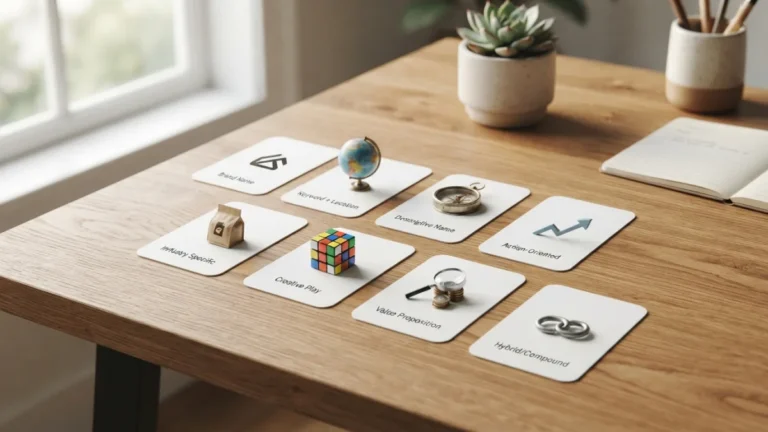
Good brandable domain name tips start with a simple idea: aim for a name that is short, distinctive, and natural to type. Combine two common words in a fresh way, or choose a single strong word that fits your mood. Avoid copying a competitor’s name with one small change, since that invites confusion and, in some cases, legal trouble. Check social media handles before you commit, because matching names across platforms builds recognition. Search the name to see what already appears, and read it in lowercase with no spaces to catch awkward word combinations. Finally, ask whether the name still works if your business grows into new products. A narrow name can become a trap.
A Quick Checklist Before You Buy
Before you pay, run through a short list. It takes ten minutes and can save you months of regret.
- Say it aloud: Can a stranger spell it after hearing it once?
- Check for dashes and digits: Keep them out unless they are part of the real brand.
- Look for lookalikes: Search for similar names and common misspellings that someone else already owns.
- Protect the basics: Register the main extension and the most likely typo versions.
- Match your accounts: Confirm that social handles and email names fit the domain.
If the name passes all five checks, you are probably safe. If it fails two or more, keep looking. Good names exist, and patience nearly always pays off.
The Bottom Line
Hyphens, numbers, and creative spellings are not illegal or forbidden, but they add friction, and friction costs you visitors. The best domain is the one people can hear once, type correctly, and trust at a glance. If you already own an imperfect name, you do not need to panic. Secure the common variations, redirect them, and build your brand carefully around the version you keep. If you are starting fresh, take the time to test your options before you commit. A clear web address will not fix a weak business, but it will stop a good one from losing customers to a typing mistake.
Frequently Asked Questions
Are hyphens in a domain name always bad?
No, but they often cause problems. One hyphen between two clear words can work in rare cases. Several hyphens look spammy, are easy to forget, and are hard to say aloud. If you can get a clean name instead, choose that.
Should I put a number in my domain name?
Only if the number is truly part of your brand, such as a street address or founding year. Avoid numbers that replace letters or words, because people will not know whether to type the digit or spell it out.
Do misspelled domains hurt SEO?
Search engines can handle odd spellings, so the direct effect is small. The bigger issue is human. Visitors mistype the name, share it less, and trust it less, which can reduce links, brand searches, and repeat visits over time.
How can I protect my brand from typosquatting?
Register the most common misspellings and extensions, then redirect them to your main site. Tell customers to double-check the address before entering passwords or payment details, and watch for lookalike domains that appear later.
What makes a domain name easy to remember?
Short, familiar words, natural spelling, and a rhythm that is simple to say. A good test is to say the name aloud to a few people and ask them to write it down. If they all get it right, it works.

Ghani Mejber — Founder & Lead Editor
Ghani Mejber is a domain name investor, branding consultant, and the founder of Mejber.com, where he curates premium brandable domain names and shares practical insights on domain valuation, acquisition, and portfolio strategy.