
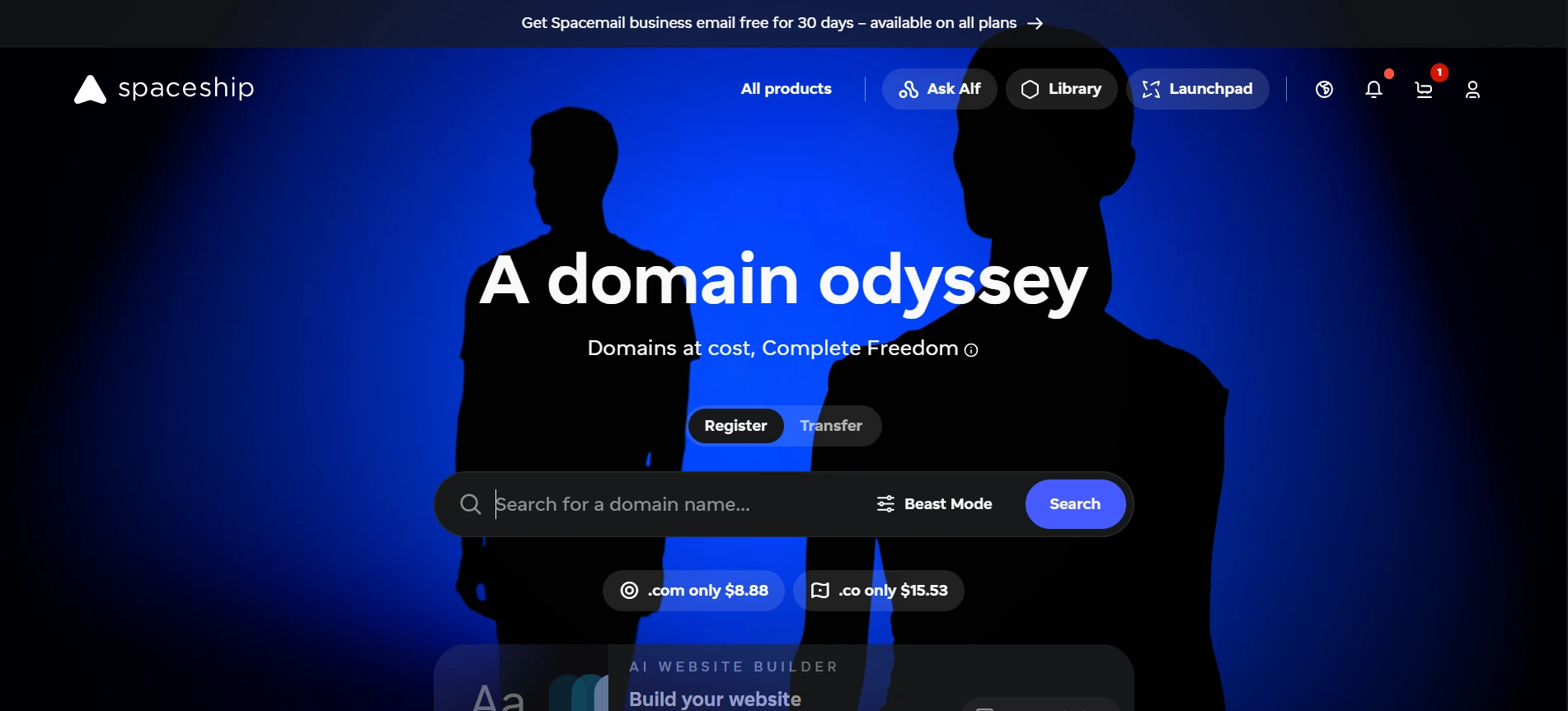
Spaceship Domain Registrar Review 2026: Complete Guide
Most registrars lure you in with a $0.99 first year and then quietly triple the bill at renewal. So when a newer name like Spaceship shows up promising cleaner pricing and a modern dashboard, skepticism is the right default. The spaceship domain registrar launched as a sister company to Namecheap and has grown quickly by pitching low prices, free privacy, and a stripped-down interface. I have registered, transferred, and parked domains there, and this review covers what holds up, what still feels unfinished, and who should pick it over a bigger name.
Spaceship Domain Registrar Pricing: What You Actually Pay
Spaceship Domain Pricing at Checkout
Spaceship domain pricing is competitive for the major extensions, though not always the absolute lowest. A .com costs a little over $10 a year at wholesale from Verisign, so any registrar selling it near that figure is earning very little on the domain itself. Spaceship sits close to that floor on .com, .net, and .org, while it discounts newer extensions like .xyz, .online, and .site more aggressively. In our testing, the checkout total matched the quoted price with no surprise add-ons, and privacy was already included. Prices change often, so confirm the live number in the cart. My habit is to compare the two-year total, not the headline first-year price.
Spaceship Renewal Fees Over Time
Spaceship renewal fees are where any registrar earns or loses your trust, because that is when you are least likely to shop around. On common extensions, renewals landed close to the original registration price when I checked, which is the behavior you want. Promotional new-generation extensions are different: a first-year price of a dollar or two can jump sharply at year two, and that is true almost everywhere. Before buying a discounted TLD, open the pricing page and read the renewal column. The breakdown in our look at cheapest domain registrars shows how a promo price can cost more than a steady one over five years. Set a calendar reminder 60 days before expiry regardless.
Spaceship vs Namecheap: Sister Companies, Different Strengths
The question I hear most is Spaceship vs Namecheap, since the two are closely related. Namecheap is the established option, with more than twenty years of history, a large catalog of hosting, SSL, and email products, and a deep help library. Spaceship is the leaner newcomer. Its dashboard loads faster, has fewer upsell banners, and puts domain management, DNS, and forwarding within two clicks. In day-to-day use, I found Spaceship less cluttered and Namecheap more complete. If you manage five domains and want speed, the cleaner interface matters. If you run client sites and need hosting, SSL, and email under one login, Namecheap still has the broader shelf.
Pricing differences between the two tend to be small and shift with promotions, so I would not pick based on a one-dollar gap. Decide on workflow and ecosystem instead. Spaceship has been adding its own hosting and email products, but the lineup is younger and has less independent track record than Namecheap’s. A practical approach is to keep a low-stakes domain on Spaceship for a few months and watch how renewals, support replies, and DNS changes behave. A broader side-by-side with other brands is in our roundup of domain registrars compared for 2026.
Core Features: Privacy, DNS, and Account Protection

Spaceship WHOIS Privacy
Spaceship WHOIS privacy is included free on eligible domains, and in my experience it was enabled by default at registration. That matters because a public record with your name, address, and phone number invites spam and phishing within days. Be aware that some country-code extensions, such as certain .us or .ca variants, restrict or alter privacy by registry rules, so it cannot be applied everywhere. After registering, I always run a lookup to confirm the public record shows proxy details rather than mine. Do the same, and keep your registrant email accurate. Privacy hides your details from the public, but verification and transfer emails still need to reach a mailbox you actually check.
Spaceship DNS Management
Spaceship DNS management uses a straightforward record editor for A, AAAA, CNAME, MX, TXT, and similar records, and the nameservers are free. Changes were quick to save, and the interface warned me when a record conflicted with another. For most sites, the defaults work fine. If you need advanced routing, failover, or heavy traffic filtering, pair the domain with a dedicated DNS provider and just point the nameservers there. Before changing any records, lower the TTL to 300 seconds a day ahead, so a mistake or migration propagates in minutes instead of hours. Export or screenshot your existing records first, especially MX and TXT entries for email authentication.
Spaceship Domain Security
Spaceship domain security starts with two-factor authentication, a registrar lock on each domain, and transfer authorization codes that are not shared by default. Turn on an authenticator app immediately, since a hijacked registrar account is far worse than a hijacked website. Check your dashboard for DNSSEC options, which add cryptographic signing to DNS answers as explained in this overview of DNSSEC protections; support varies by extension, so verify before relying on it. A common mistake I see is leaving the account email on a shared inbox or an old address. Use a unique password, a dedicated email, and keep the lock on unless you are mid-transfer.
Transfers and Support: The Parts You Only Notice When Something Breaks
A Spaceship domain transfer follows the standard process: unlock the domain at the old registrar, get the authorization code, and start the transfer at Spaceship. Under ICANN’s inter-registrar transfer policy, a domain generally cannot move within 60 days of registration or a prior transfer, so plan around that. Most .com transfers add a year to your expiry and finish in about five to seven days, though many complete sooner once you approve the confirmation email. Never transfer within a few days of expiry. Also lower DNS risk by copying your records over first, so the site stays live while nameserver ownership shifts.
Spaceship customer support is the area where a newer company is hardest to judge. When I opened tickets, replies were clear and polite, though response speed varied with the time of day and the question. Do not expect the huge searchable knowledge base that older registrars have built over decades. For routine tasks such as DNS edits, renewals, and transfers, I rarely needed help at all, which is itself a good sign. If your business would lose money from a few hours of downtime, test support with a minor question before you move your most valuable domain. Keep screenshots of any support promises.
Is the Spaceship Domain Registrar Right for You?
The spaceship domain registrar suits freelancers, small businesses, and hobbyists who want low, predictable costs and a tidy dashboard without a stack of upsells. It is less ideal for agencies needing granular user permissions, large portfolios with bulk tooling, or anyone who wants one vendor for domains, hosting, email, and certificates with a long record behind it. Before committing, work through how to choose a domain registrar against your own checklist: renewal pricing, extension coverage, transfer rules, two-factor options, and support access. Then register one inexpensive domain, enable privacy and 2FA, edit a DNS record, and judge the experience yourself.
My practical recommendation: use Spaceship for new personal or small-business domains where cost and simplicity lead, and keep mission-critical domains wherever you already trust the support. Whichever route you take, keep a written inventory of every domain, its expiry date, the registrar, and the account email. Turn on auto-renew with a current payment card, since an expired domain can be lost to a backorder service within days. That one spreadsheet prevents more disasters than any registrar choice does, and it makes a future move between providers far less stressful.
Frequently Asked Questions
Is Spaceship a legitimate domain registrar?
Yes. Spaceship is an ICANN-accredited registrar that operates as a sister company to Namecheap. It is newer than most competitors, so it has a shorter public track record, but domains registered there work like any other.
Does Spaceship include free WHOIS privacy?
Privacy is included at no extra charge on eligible domains. Some country-code extensions follow registry rules that limit or change privacy, so check the domain’s settings after you register it.
Is Spaceship cheaper than Namecheap?
It depends on the extension and current promotions. Prices on .com, .net, and .org are close, with differences often under a dollar. Compare the two-year total, including renewal, before deciding.
Can I transfer my domain to Spaceship?
Yes. Unlock the domain, get the authorization code, and start the transfer. Domains registered or transferred in the previous 60 days are generally ineligible, and most transfers take around five to seven days.
Is Spaceship good for beginners?
Yes. The interface is uncluttered, privacy is included, and DNS editing is simple. Beginners should still enable two-factor authentication, turn on auto-renew, and keep a record of each domain’s expiry date.

Ghani Mejber — Founder & Lead Editor
Ghani Mejber is a domain name investor, branding consultant, and the founder of Mejber.com, where he curates premium brandable domain names and shares practical insights on domain valuation, acquisition, and portfolio strategy.